Most of the SEO work that moves a small business site forward happens in your CMS settings or plugin dashboard. This guide walks you through a manual audit, on-page fixes, sitemaps, robots.txt and schema, with the mistakes to avoid.
Implement Incremental Static Regeneration (ISR) in a Next.js blog using CMSKite. After a build, ISR keeps pages cached until a set revalidation interval, then regenerates in the background. CMSKite’s webhook triggers an on‑demand revalidation immediately after content changes, keeping pages fresh. The guide covers setting up a Next.js project, configuring getStaticProps with revalidate, creating a revalidate API route, adding preview mode, and ensuring SEO metadata stays up to date. The result is fast static pages that stay current without redeploying.
Choosing between a blog post and a service page depends on search intent. A service page should clearly explain what you offer, who benefits, the process, and next steps, while a blog post should answer specific questions, explain problems, or help decisions with guidance and checks. Match each format to the query type, link related content, avoid duplicate pages, and review performance to keep the purpose distinct and useful.
The post explains how to craft blog titles that attract relevant clicks without relying on clickbait. It urges writers to start with the reader’s question, be specific, use natural keywords, match search intent, communicate a real benefit, keep titles concise, and ensure the title matches the article’s content. Practical patterns and FAQs guide writers, and it stresses reviewing performance and updating titles when needs or search results change.
Google Search Console lets you track blog SEO beyond just ranking: impressions show visibility, clicks confirm interest, and click‑through rate highlights title and description effectiveness. By examining queries per page, you can spot irrelevant or poorly answered questions and refine content accordingly. Refreshing pages with falling visibility improves relevance and clarity, while connecting search data to business outcomes via analytics measures true impact. Use a clear, regular review cycle to keep content aligned with reader intent and business goals.
A useful blog call to action (CTA) gives readers a clear next step after an article, such as reading a related guide, downloading a checklist, or contacting a team. The CTA must match the reader’s intent, using direct language and placing it where it naturally follows the content. The post offers five examples, advises against intrusive pop‑ups, and stresses measuring clicks and qualified enquiries rather than just impressions. It emphasizes updating CTAs regularly as audience needs shift.
A practical guide explains how internal linking organizes blog content and aids SEO. It advises grouping related themes, adding links where readers need deeper detail, and using descriptive anchor text. It recommends connecting new posts to older ones, ensuring important pages are reachable, and auditing links for broken or irrelevant destinations. The post stresses that links should add context, not just meet a target count, and that proper linking improves navigation and search engine understanding.
Refreshing old blog posts boosts their accuracy and usefulness, helping them match current search intent and improve click‑through rates. Start by spotting articles with traffic drops, outdated facts, or broken links, then verify all data, update titles, headings, and media, and repair internal and external links. Keep URLs stable unless necessary, and track impressions and clicks after the update. Use a clear workflow to review and measure performance, ensuring content stays relevant for readers and search engines.
A blog post outline template keeps articles focused, reveals research gaps, and cuts editing. It starts with a clear working title, identifies the audience and search intent, and chooses a main keyword and related questions. The outline includes an introduction that states the problem, 3‑6 main sections with key points, a practical example, related resources, a conclusion and CTA, and SEO checks. It’s meant as a flexible guide that writers refine, ensuring each section serves the reader’s need.
The article explains how to uncover specific, low‑volume phrases—long‑tail keywords—that match real customer questions and search intent, enabling more focused and useful blog content. It advises starting with customer language from sales and support, turning broad topics into question‑style queries, checking search suggestions and intent, and using keyword tools sparingly. By prioritizing relevance, intent, and business value, writers can create natural‑sounding, high‑intent articles and review performance to refine the approach.
The post explains how local SEO blogs should answer the specific questions nearby customers ask before choosing a service, such as pricing, preparation, and expected results. It lists seven practical topic ideas—common questions, local pricing factors, seasonal checklists, service comparisons, real project stories, service‑area guides, and choosing a provider—to create useful, authentic content. By focusing on genuine expertise, linking to relevant pages, and measuring performance, businesses can attract local traffic and guide potential clients toward their services.
A small‑business content calendar turns scattered ideas into a clear publishing plan that links each blog post to a specific business goal. Start by defining your audience, choosing three to five content pillars, and researching topics with search intent. Assign owners, deadlines, and next‑step calls to action, then review performance monthly to adjust topics and keep information up to date. This simple workflow keeps content relevant, consistent, and aligned with marketing objectives.
Enabling preview mode in a headless CMSkite blog lets authors view drafts rendered exactly as on the live site, including layout, images, and SEO metadata. By creating a serverless preview endpoint that fetches drafts with a preview flag and protects it with short‑lived JWTs, authors can see final content, spot missing fields or broken links, and verify Open Graph and structured data before publishing. This speeds editorial workflow, reduces revisions, and ensures consistent front‑end output.
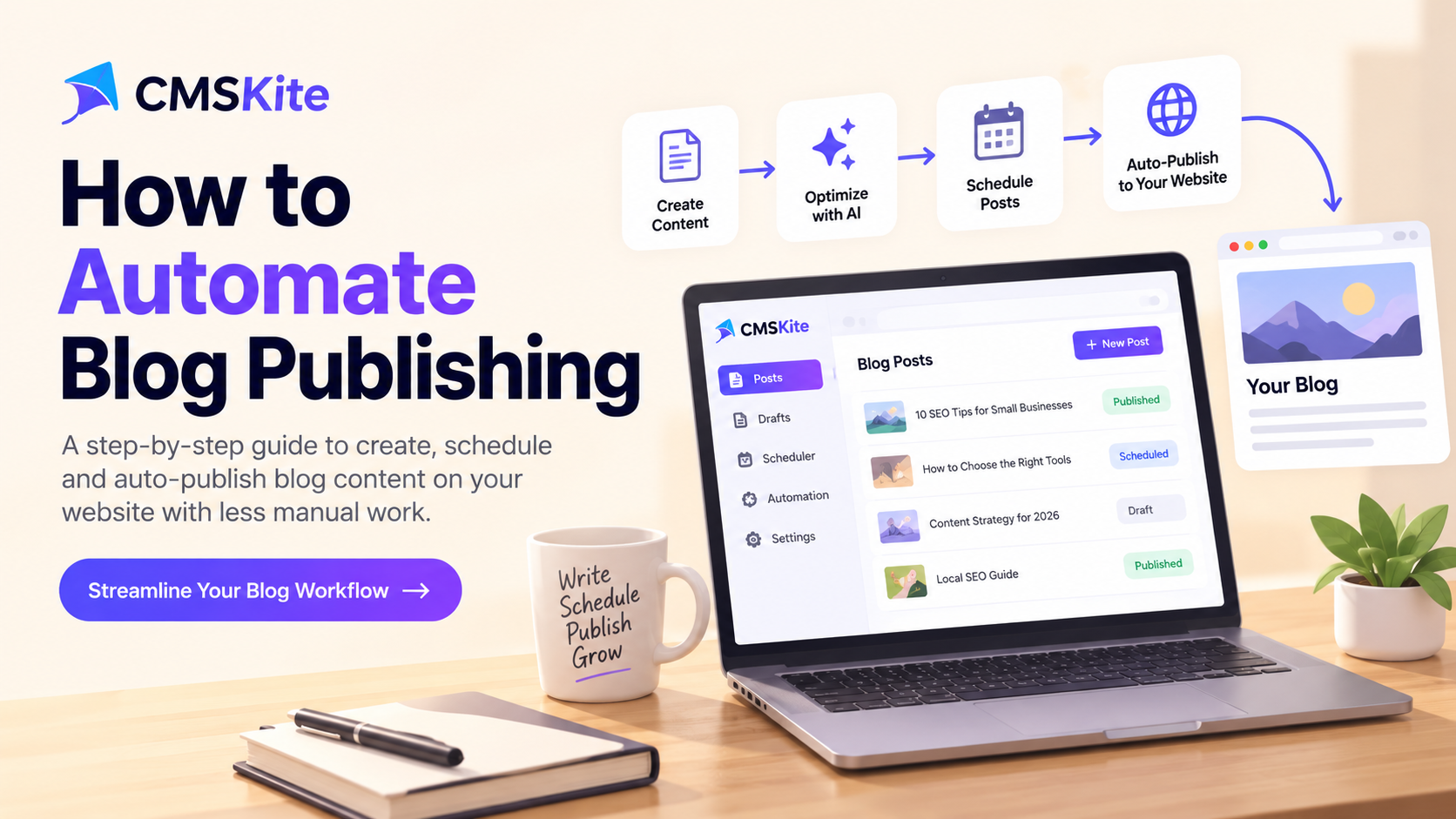
Blog publishing automation lets small businesses and content teams plan, review, schedule, and publish articles more efficiently while maintaining quality checks. By starting with a focused content calendar, turning ideas into clear briefs, and using AI as an assistant, teams can streamline drafting. Automation handles repetitive tasks such as SEO checks, scheduling, and metadata, but human approval remains for accuracy, brand voice, and final checks. Measuring performance and adjusting the workflow keeps publishing consistent and valuable to readers.
Automating image optimization in headless blogs lets editors upload once while the system automatically creates responsive srcset data, WebP and AVIF variants, and serves them via a CDN. By integrating CMS Kite’s media API with a CI/CD pipeline that uses a transformer like Sharp, you generate a JSON manifest of optimized URLs. Next.js consumes this manifest during static generation, and an edge CDN can further adjust width, format or quality on demand, ensuring fast loading, better Core Web Vitals and SEO-friendly pages.
Headless blogs separate content from front‑end rendering, so how pages are generated—SSR, SSG, or CSR—directly affects SEO. SSR delivers fresh HTML with meta tags on each request, SSG pre‑builds static pages for fast CDN delivery, while CSR sends a bare shell that must run JavaScript for search engines to see content. Google renders JavaScript but spends more time, so SSR and SSG reduce crawl cost and improve indexing speed. Choosing between them depends on publishing frequency, audience size, and maintenance budget.
Optimizing image delivery is essential for headless blogs, where large files can hurt Core Web Vitals. The post explains how to integrate the CMSKite SDK with Next.js to automatically route images through a CDN, enabling edge caching and reduced latency. It shows how to rewrite URLs, use responsive srcset and WebP, add lazy loading, and adjust cache‑control headers. By measuring performance with Lighthouse before and after, developers can quantify gains and embed checks in CI pipelines to keep sites fast.
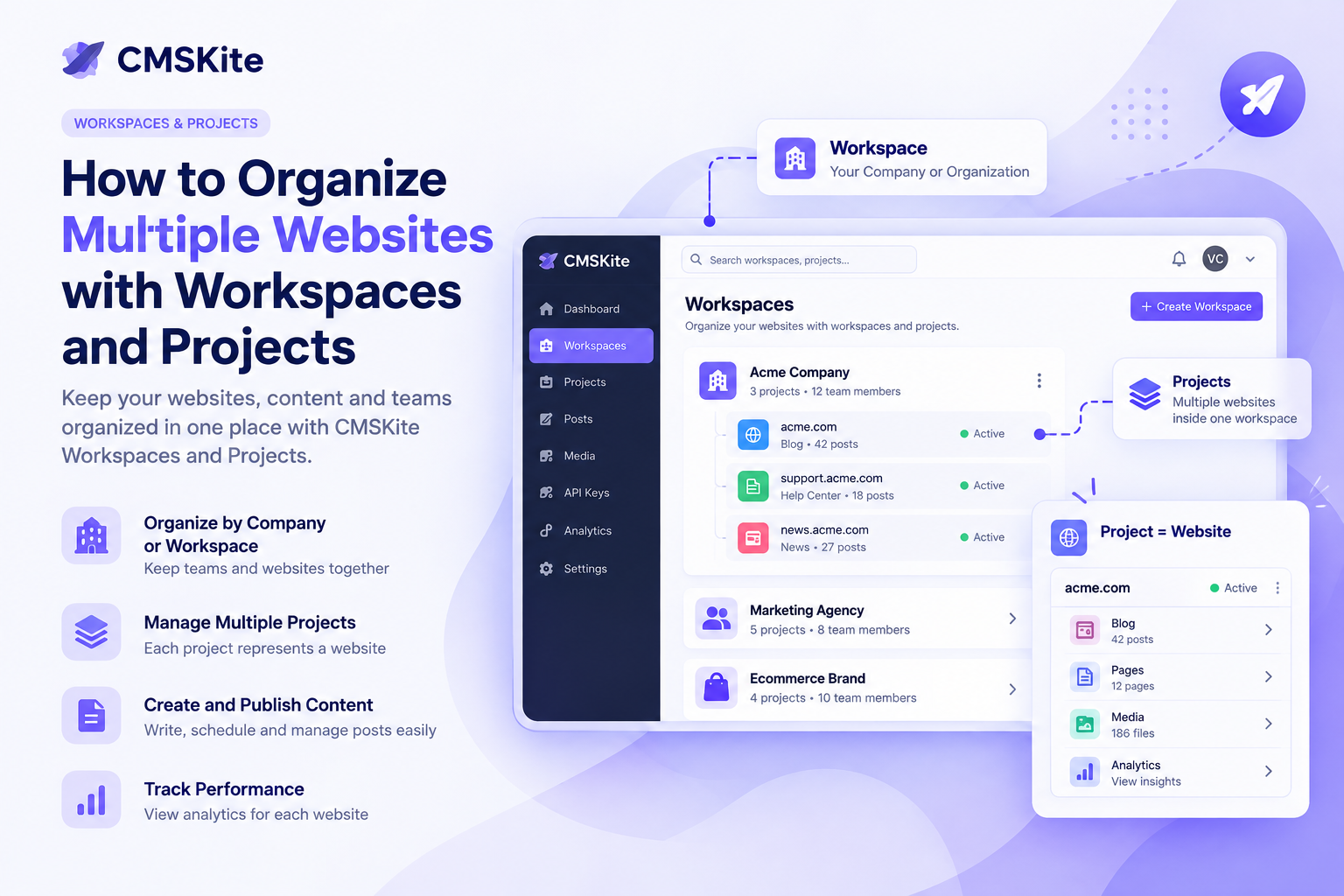
Managing many sites gets messy, so use workspaces and projects. A workspace groups all sites of one company or client, while each project is a single website or digital property. This keeps content, settings, and data separate, letting teams know instantly which organization a piece belongs to. Adding new sites is just adding projects, not new workspaces. The model scales, keeps teams organized, and isolates different companies’ content.
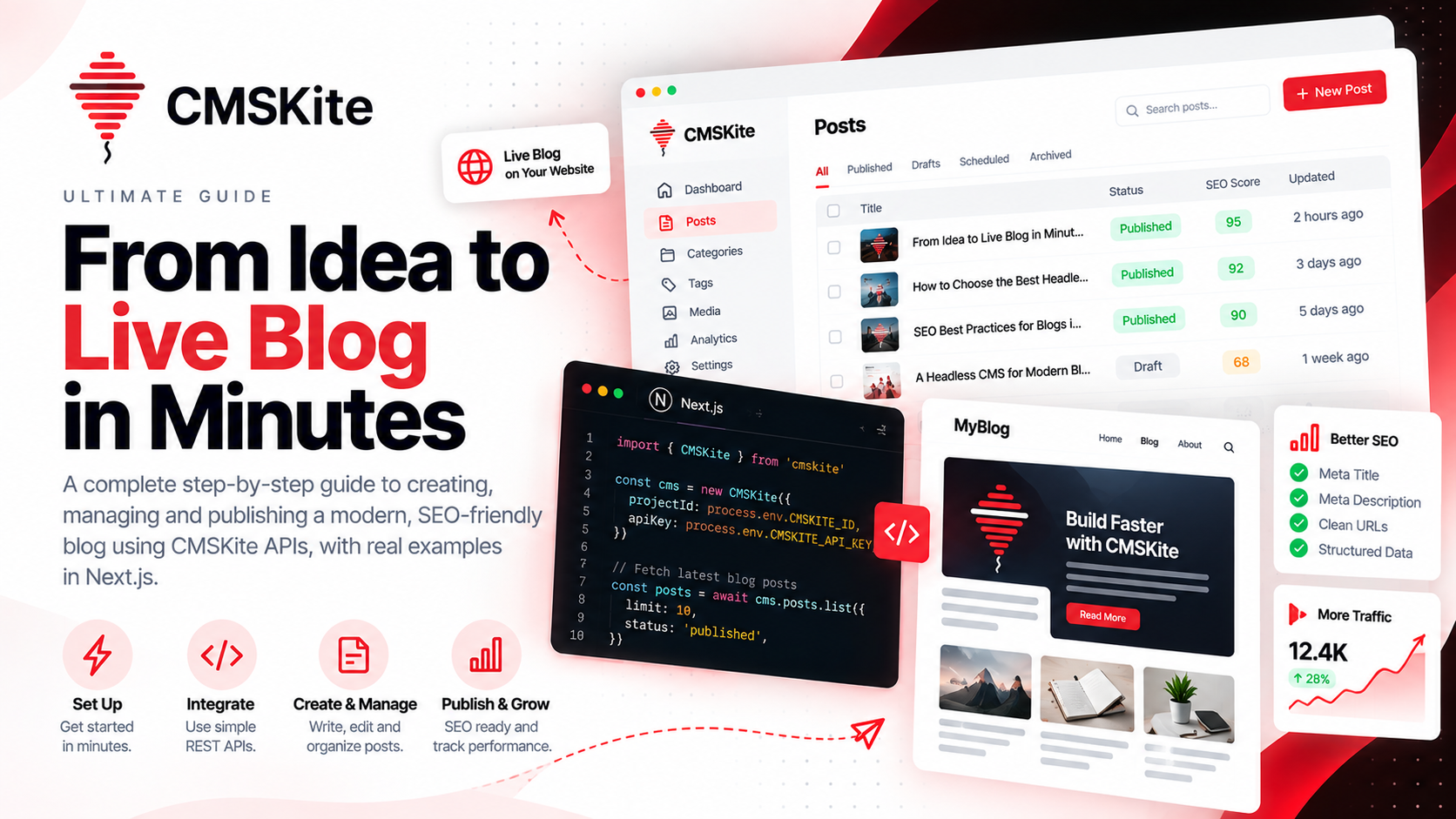
The post explains how to build a scalable blog with Next.js and a headless CMS by separating content, API, and frontend. It outlines the content layer’s structure, recommends keeping SEO metadata in the CMS, and stresses clear boundaries so the frontend only consumes published content. It covers URL design, featured images as content, internal linking, pagination, and search, emphasizing a clean, maintainable architecture that grows with the site and team.
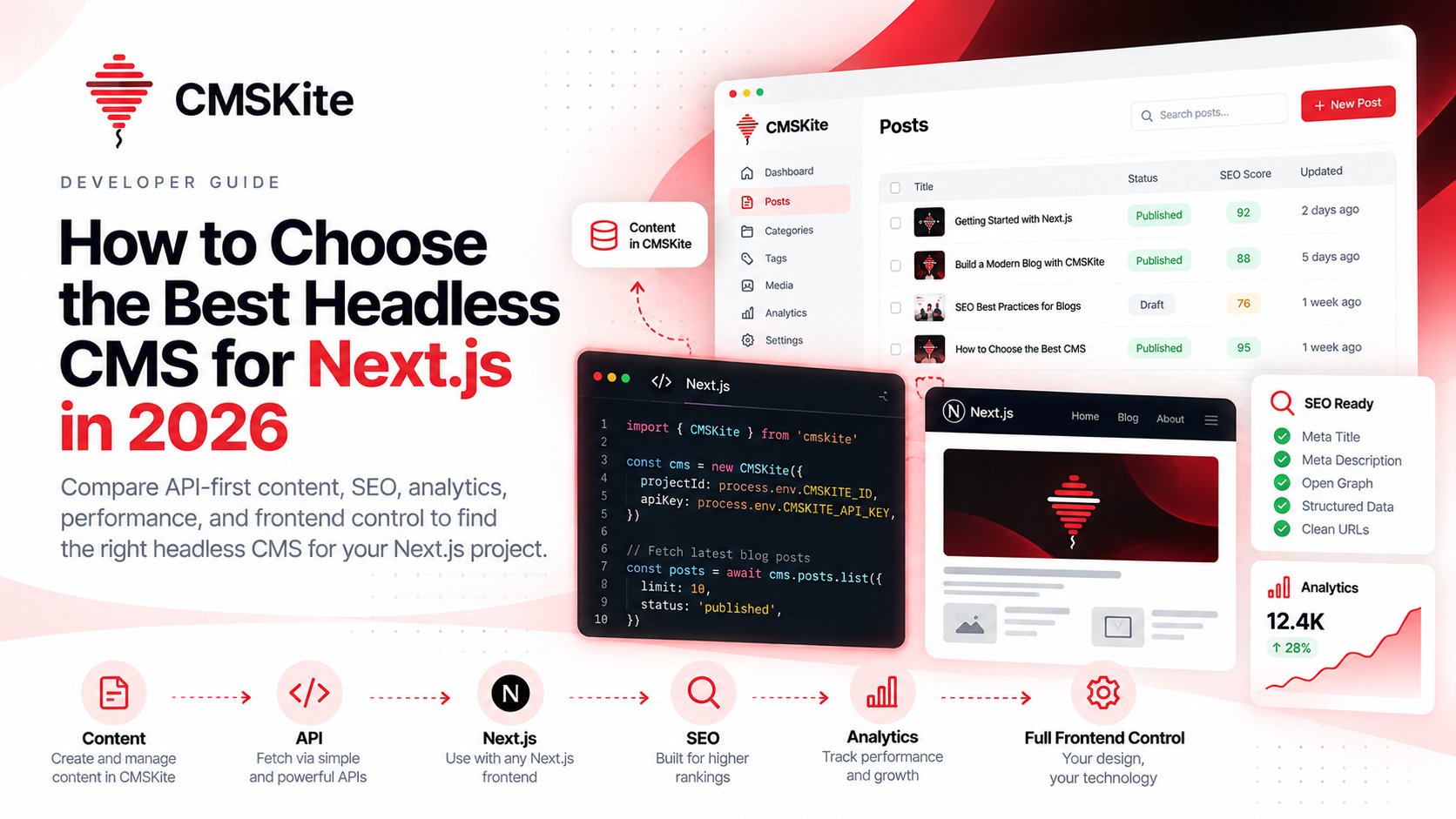
Choosing a headless CMS for a Next.js site in 2026 hinges on more than feature count—it must fit the architecture, offer a clean content API, support editorial workflows, SEO metadata, and media handling, while allowing developers full control of the front end. The post explains how a CMS should provide predictable REST or GraphQL endpoints, drafting, publishing, SEO fields, analytics, and scalability across multiple sites, and stresses a good developer experience with documentation, SDKs, and TypeScript support.
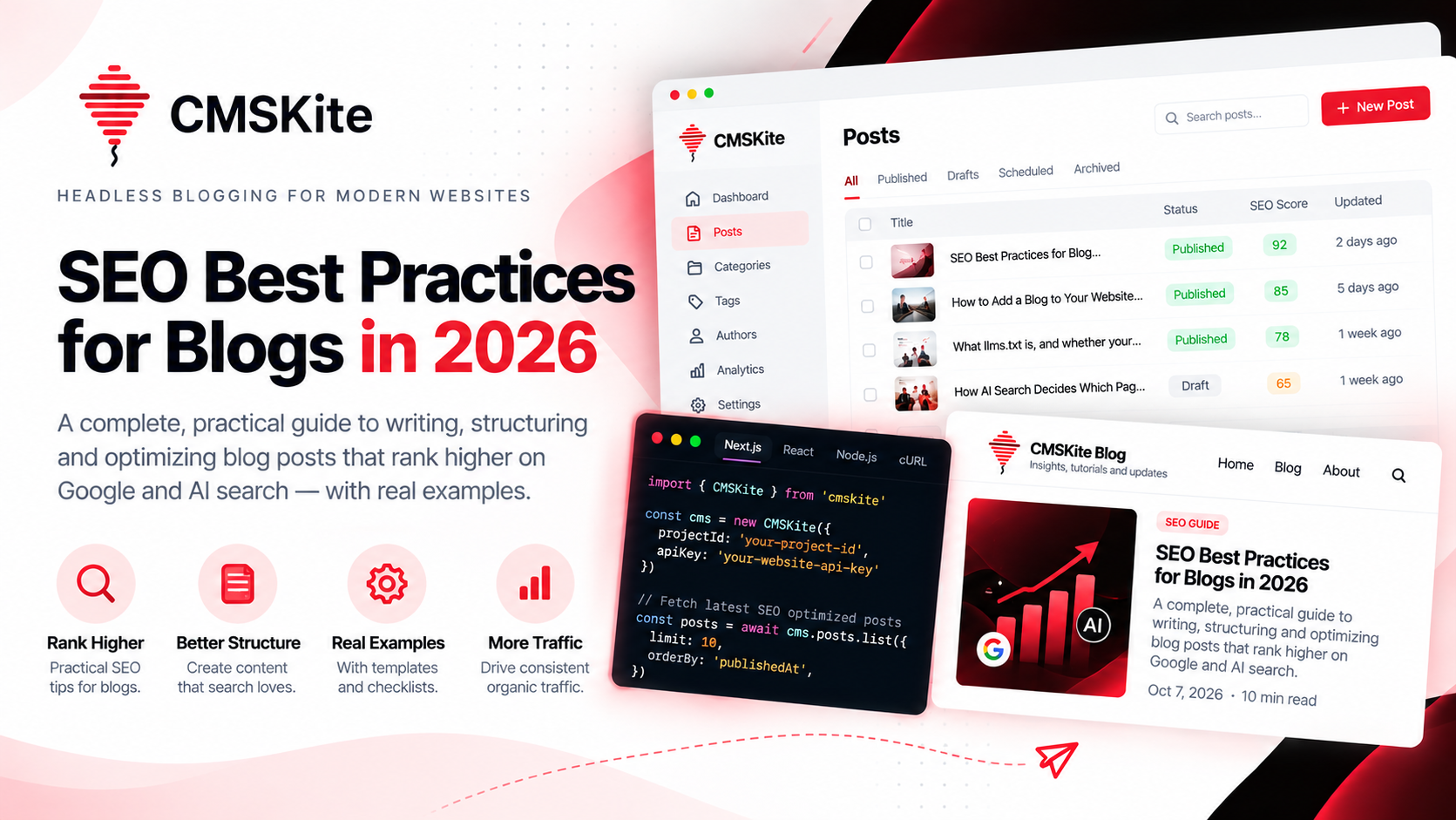
The post explains that 2026 SEO for blogs focuses on creating clear, people‑first content that satisfies search intent rather than keyword stuffing. It stresses a simple, descriptive title, a useful meta description, and a well‑structured article with headings, lists, and concise introductions. Internal linking, image alt text, and appropriate structured data help search engines understand the page. Technical basics such as crawlability, mobile‑friendly design, and clean URLs remain essential for both regular and AI search experiences.